Organize Your Products and Sales in One Place
Collections in Kartivo help you group related products together — making it easier to manage, track, and sell bundles, courses, memberships, and more from a single dashboard.
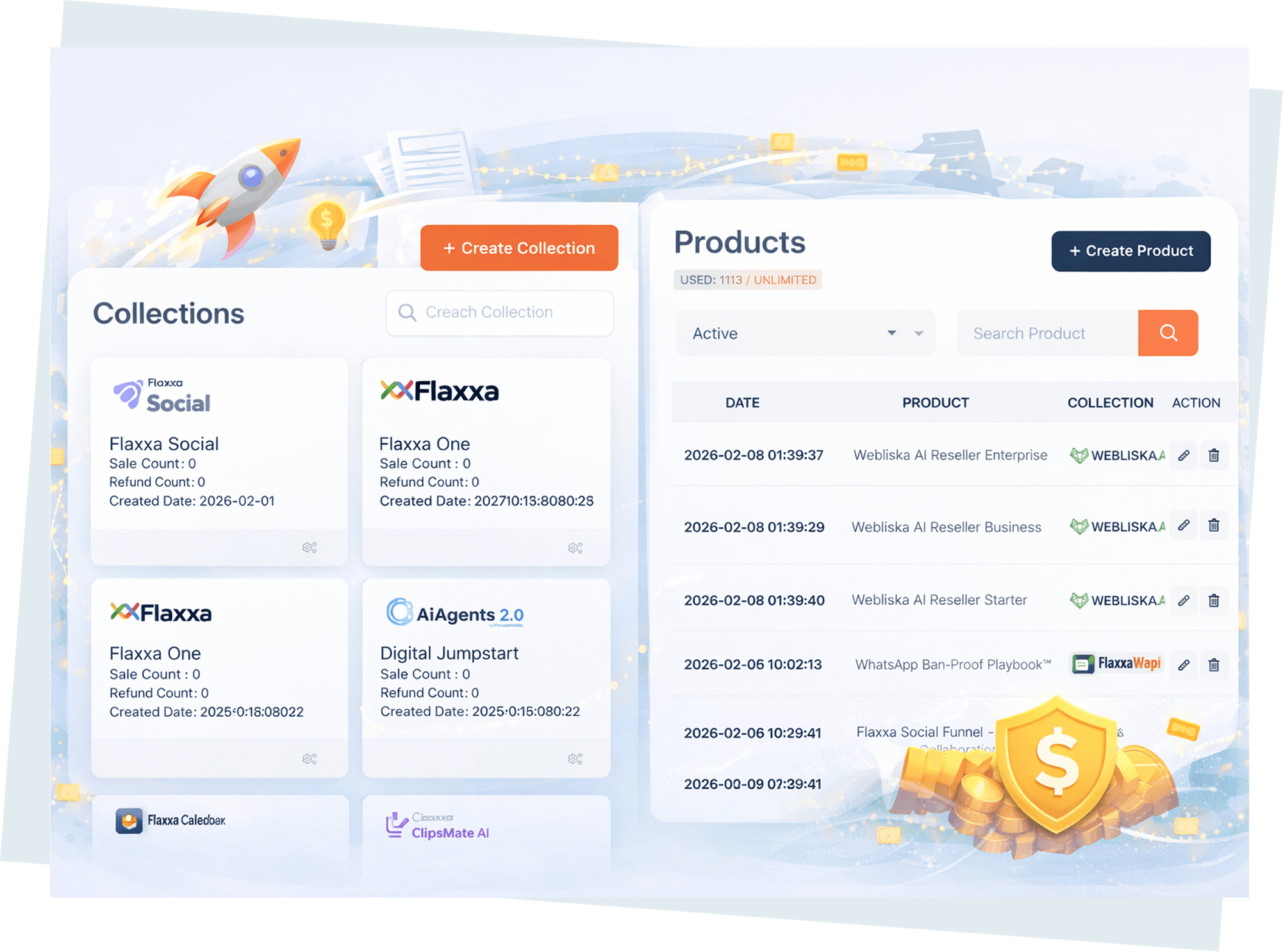
Main Collections Dashboard
- View all collections in one organized list
- See product count and revenue per collection
- Quick-access buttons to edit, duplicate, or archive
- Filter by status, date, or product type
Create and Manage Collections Easily
- Add unlimited products to any collection
- Set collection-level pricing and discounts
- Control access rules and delivery settings
- Drag-and-drop product ordering
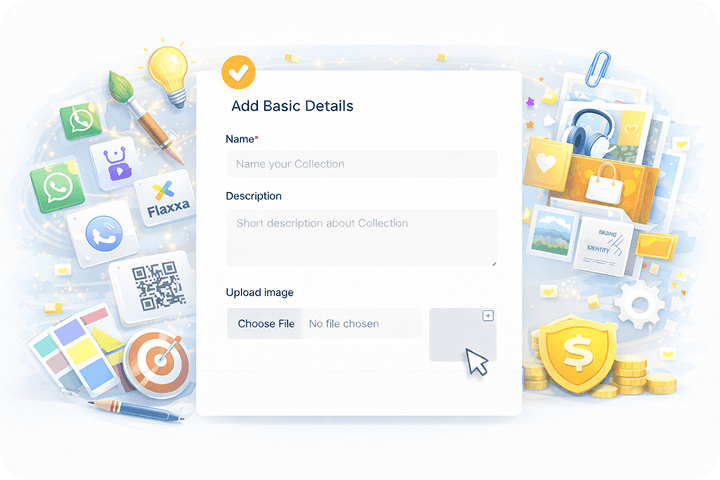
Step 1: Name Your Collection
Give your collection a title, description, and optional thumbnail. This is what customers see on your storefront.
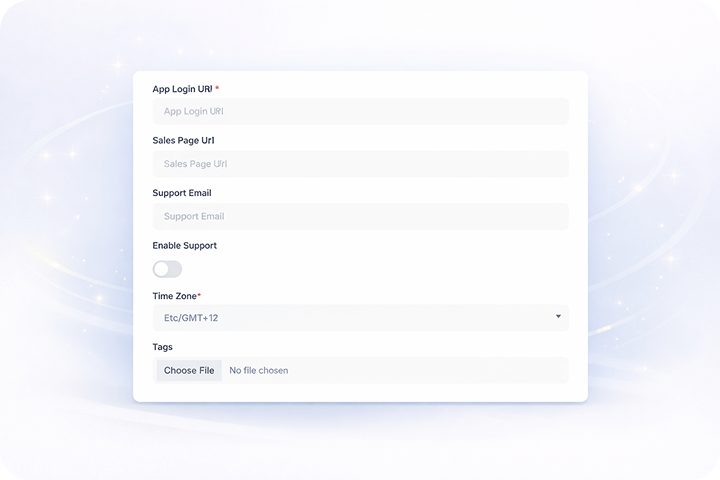
Step 2: Add Products
Select existing products or create new ones directly inside the collection. Drag to reorder.
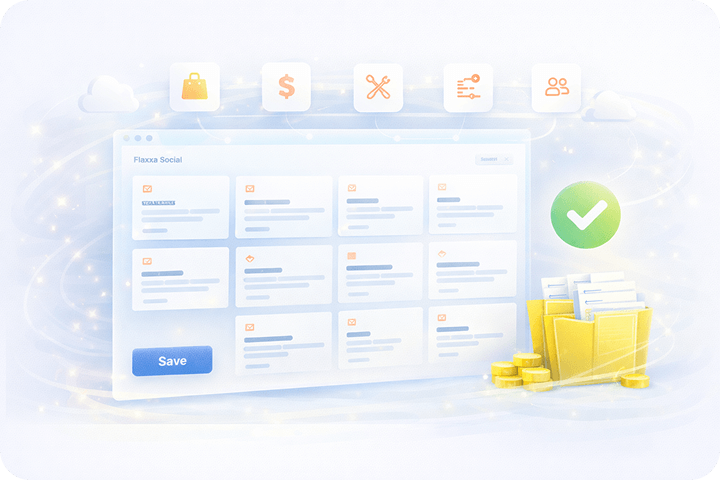
Step 3: Publish & Share
Hit publish and share your collection link. Embed it on your site or send it via email.
Inside a Collection
Each collection comes with a full suite of tools to manage products, customers, payments, emails, and integrations — all without leaving the collection view.Emails & More
- Automated purchase confirmation emails
- Drip email sequences for course collections
- Custom email templates per collection
- Broadcast emails to collection buyers
Payment Gateways
- Stripe, PayPal, Razorpay, and 12+ more
- Multi-gateway routing per collection
- Currency-based gateway selection
- Zero platform transaction fees
Integrations
- Mailchimp, ConvertKit, ActiveCampaign sync
- Zapier and Make automation triggers
- Webhook notifications on purchase events
- Google Analytics and Facebook Pixel tracking
Members
- View all members and their purchase status
- Grant or revoke access with one click
- Export member lists as CSV
- Track member engagement and login activity
Collection Feature Cards
Coupon Codes
Create percentage or fixed-amount coupons for any collection. Set expiry dates, usage limits, and minimum purchase thresholds.
Events & IPN
Receive instant payment notifications for every transaction. Trigger automations based on purchase, refund, or subscription events.
Custom Mapping
Map external product IDs from JVZoo, WarriorPlus, or ClickBank to your Kartivo collections for unified tracking.
Abandoned Tracking
Identify customers who started checkout but didn't complete. Send automated recovery emails to recapture lost revenue.
Pixel and GTM
Add Facebook Pixel, Google Tag Manager, and custom tracking scripts at the collection level for precise conversion tracking.
Receipt Settings
Customize purchase receipts with your branding, custom fields, and download links. Set different receipts per collection.
Why Collections Matter
Collections are the backbone of organized selling. Group products logically, streamline operations, and give your customers a seamless buying experience — all from one powerful dashboard.