Manage your workspace access with ease
Create teams, assign roles, and control permissions across your entire Kartivo workspace.
Create & Manage Teams in 3 Simple Steps
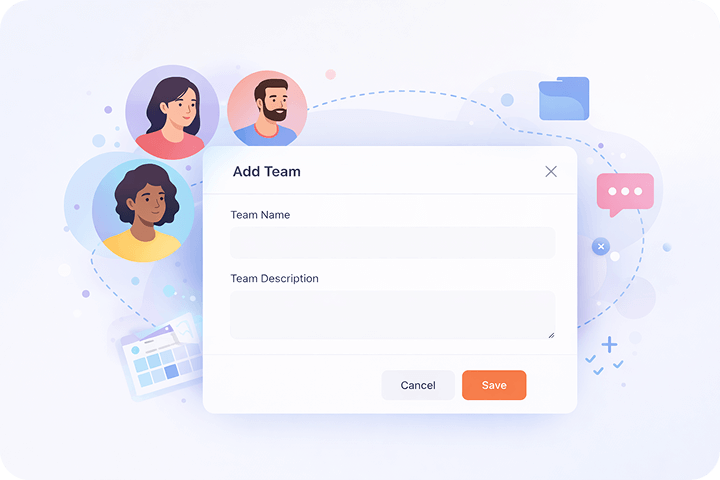
Create Team
Set up a new team in seconds. Name it, describe its purpose, and you're ready to go.
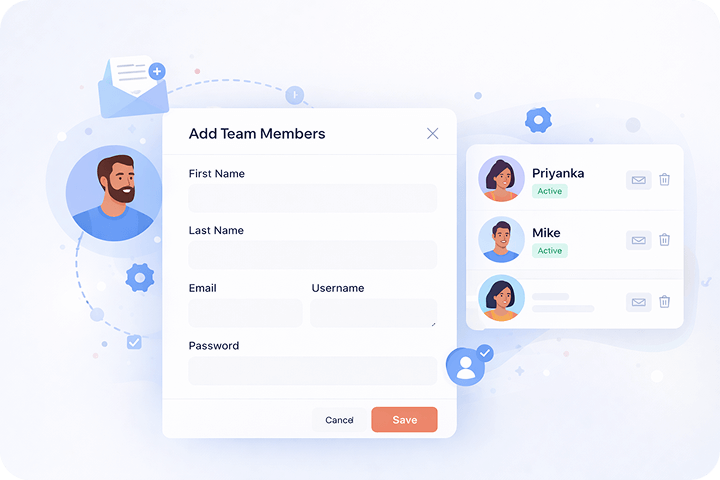
Add Members
Invite team members by email. They get instant access to assigned workspaces and tools.
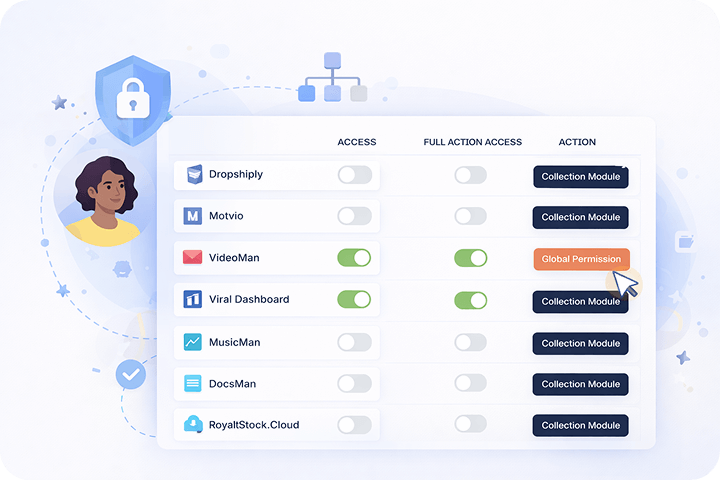
Assign Roles
Choose from predefined roles or create custom ones with granular permission control.
Secure Team Collaboration
Keep your workspace secure with role-based access control. Every team member sees only what they need, ensuring data privacy and operational efficiency.
- Role-based access for every module
- Audit trail for all team actions
- Secure invitation workflow
Centralized Team Management
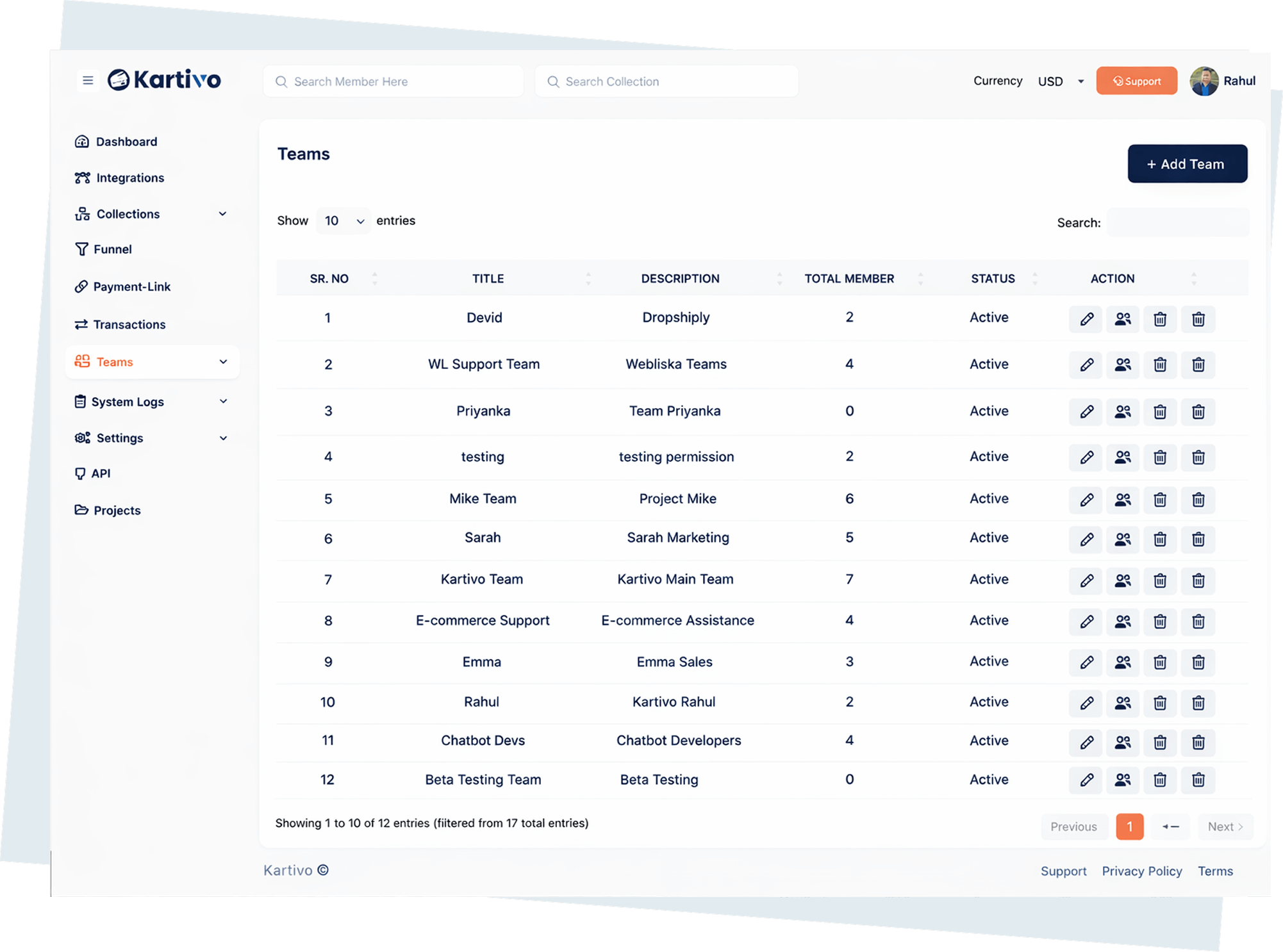
Manage all your teams from a single dashboard. View members, roles, and activity at a glance. Add or remove team members instantly.
- Single dashboard for all teams
- Quick member management
- Real-time team activity overview
Role & Permission Control
Define exactly what each role can access. From viewing reports to managing products, every permission is fully customizable.
- Granular permission settings
- Custom role creation
- Module-level access control
Invite and Manage Team Members
Send email invitations, track pending invites, and manage active members. Onboarding your team has never been easier.
- Email-based invitations
- Pending invite tracking
- One-click member removal
Teams Features
Granular Access Control
Set permissions at the module level. Control who can view, create, edit, or delete across every area of your workspace.
Built for Scalable Operations
Whether you have 2 team members or 200, Kartivo's team system scales with your business without complexity.
Get Started Today Free
Set up your team, assign roles, and start collaborating securely. No credit card required.